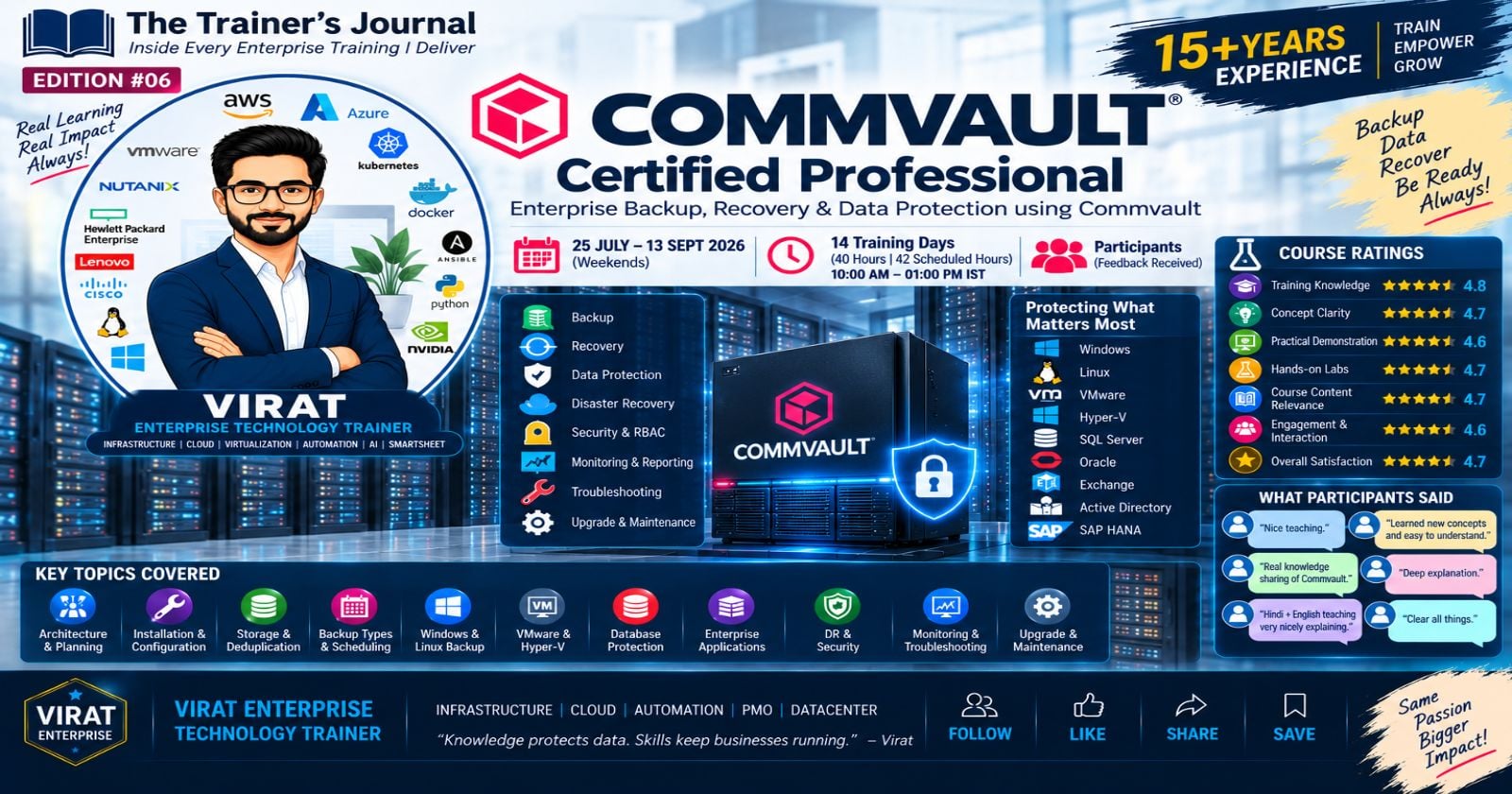
🛡️ Commvault Traditional Backup Administration
From Backup Fundamentals to Enterprise Data Protection & Recovery
📅 25 July – 13 September 2026 | ⏱️ 14 Weekend Training Days | 👨🏫 Trainer: Virat
Welcome to Edition #06 of The Trainer’s Journal — documenting a comprehensive Commvault Traditional Backup Administration training journey focused on enterprise backup architecture, storage management, deduplication, backup operations, virtualization, application protection, disaster recovery, security, monitoring, troubleshooting, and platform maintenance.
🎯 The Training Snapshot
👥 Participant Feedback Collected Across the Program
🕒 14 Training Days
🧪 20 Hands-On Labs
📚 40-Hour Curriculum | 42 Scheduled Hours
📅 Weekend Delivery | 10:00 AM – 01:00 PM IST
The journey followed a practical learning approach:
Concept → Demonstration → Hands-On Lab → Real-World Backup Scenario
The objective was to help participants understand the complete lifecycle of an enterprise Commvault backup environment — from architecture and deployment to backup, recovery, application protection, disaster recovery, security, monitoring, troubleshooting, and maintenance.
🗓️ The 14-Day Learning Journey
📘 Day 1 — Commvault Fundamentals
The journey started with the foundations of enterprise data protection.
Participants explored:
🏢 Enterprise backup concepts
💾 Backup vs Archive vs Restore
📦 Commvault editions and licensing
🏗️ Traditional Commvault architecture
🧩 Core components
🔄 Data protection workflows
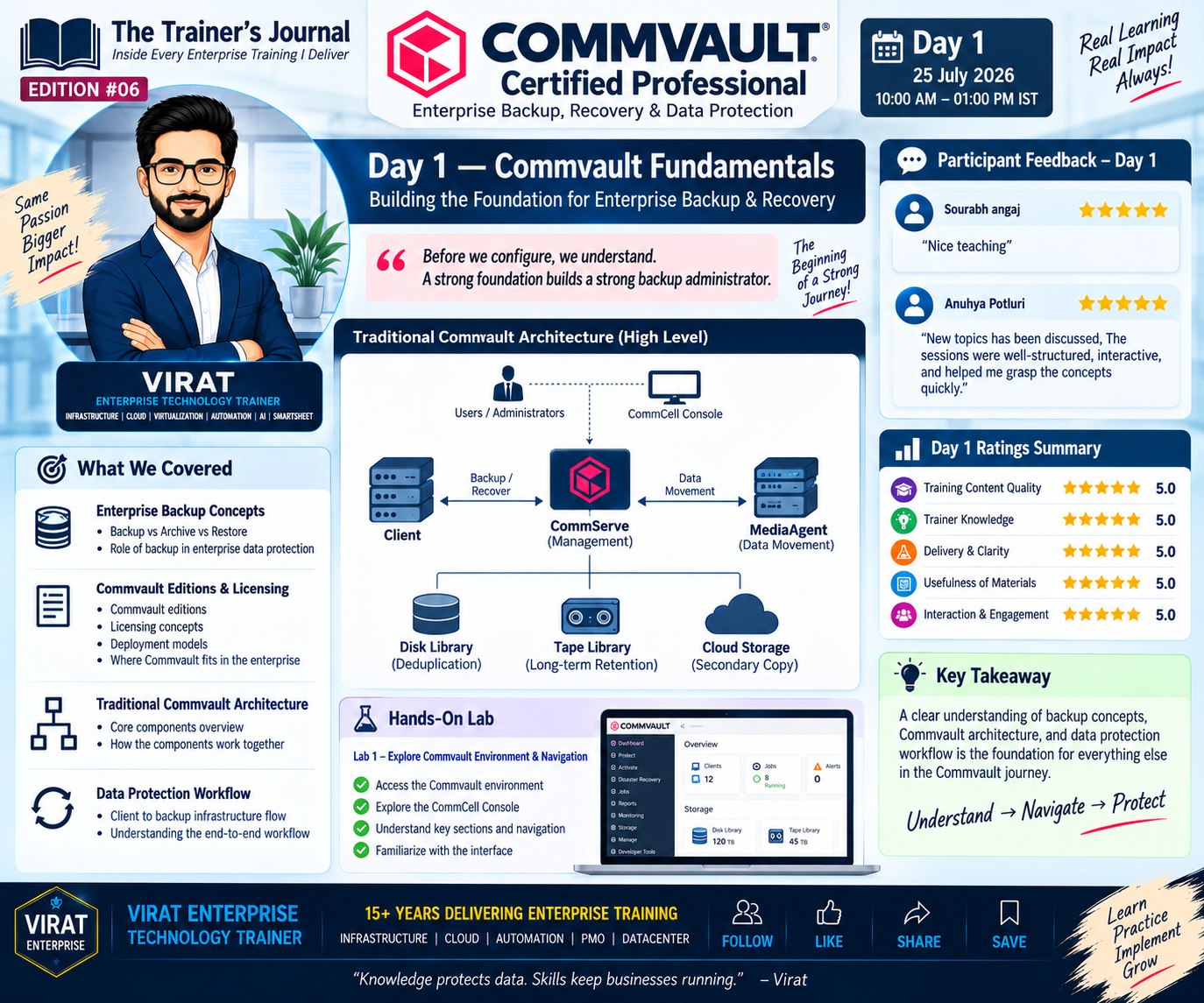
🧪 Hands-On Lab
Lab 1: Explore Commvault Environment & Navigation
Understand → Navigate → Protect
📘 Day 2 — Architecture & Planning
The second stage focused on understanding how the major Commvault components work together.
Participants explored:
🏗️ CommServe architecture
🗄️ CommServe database
💻 MediaAgents
🖥️ Clients
🧩 iDataAgents
🔄 Data flow
📋 Metadata management
💾 Backup workflow
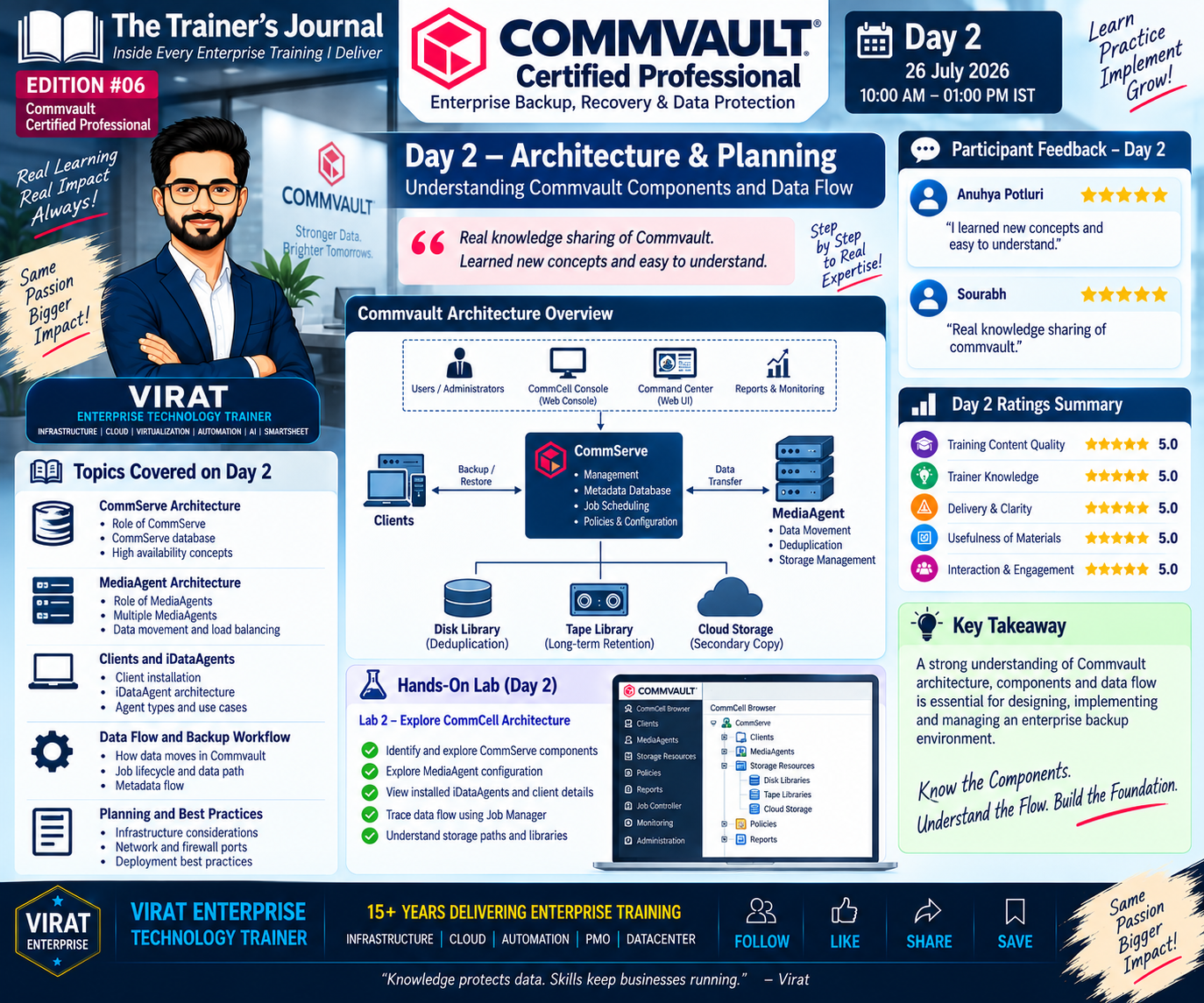
🧪 Hands-On Lab
Lab 2: Explore CommCell Architecture
Components → Data Flow → Architecture
📘 Day 3 — Deployment Planning
The learning journey moved into deployment design and infrastructure planning.
Participants explored:
🖥️ Hardware sizing
🏗️ Deployment models
💿 Operating system requirements
🌐 Network planning
🔥 Firewall ports
📐 Deployment best practices
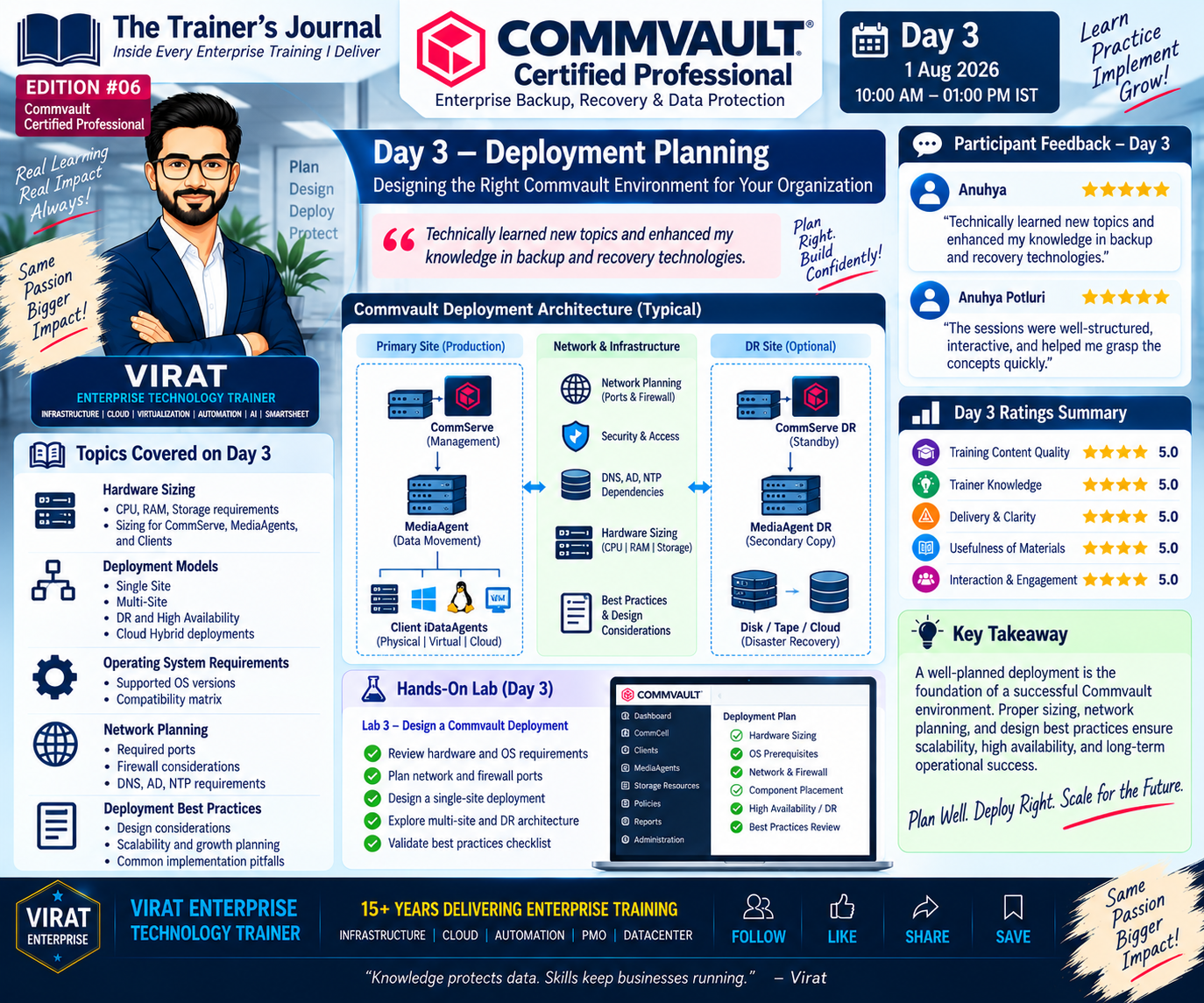
🧪 Hands-On Lab
Lab 3: Design a Commvault Deployment
Plan → Size → Design → Deploy
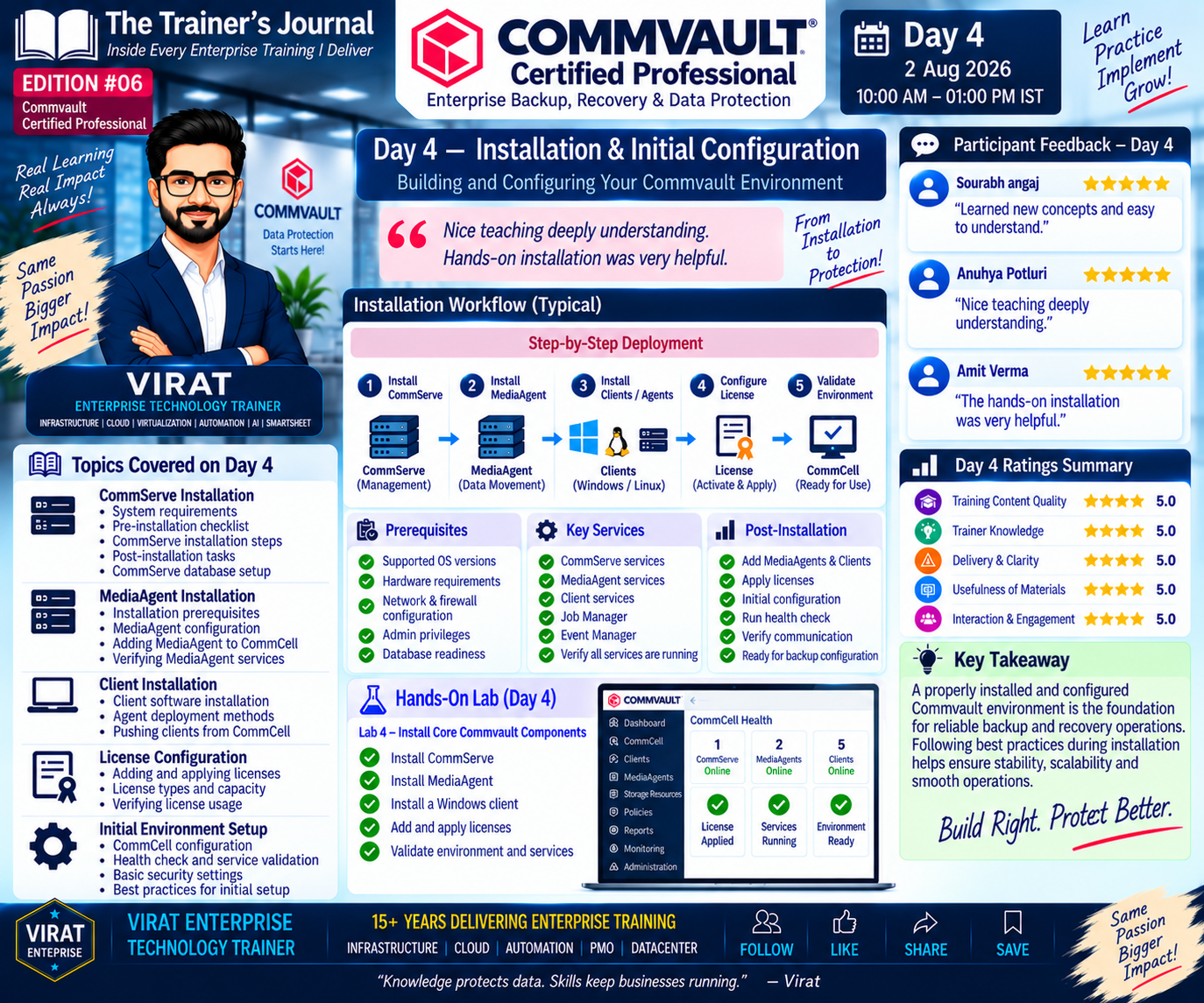
📘 Day 4 — Installation & Initial Configuration
With the architecture understood, participants moved into core platform deployment.
The sessions covered:
🏢 CommServe installation
💻 MediaAgent installation
🖥️ Client installation
🔑 License configuration
⚙️ Initial environment setup
🧪 Hands-On Lab
Lab 4: Install Core Commvault Components
Install → Configure → Validate
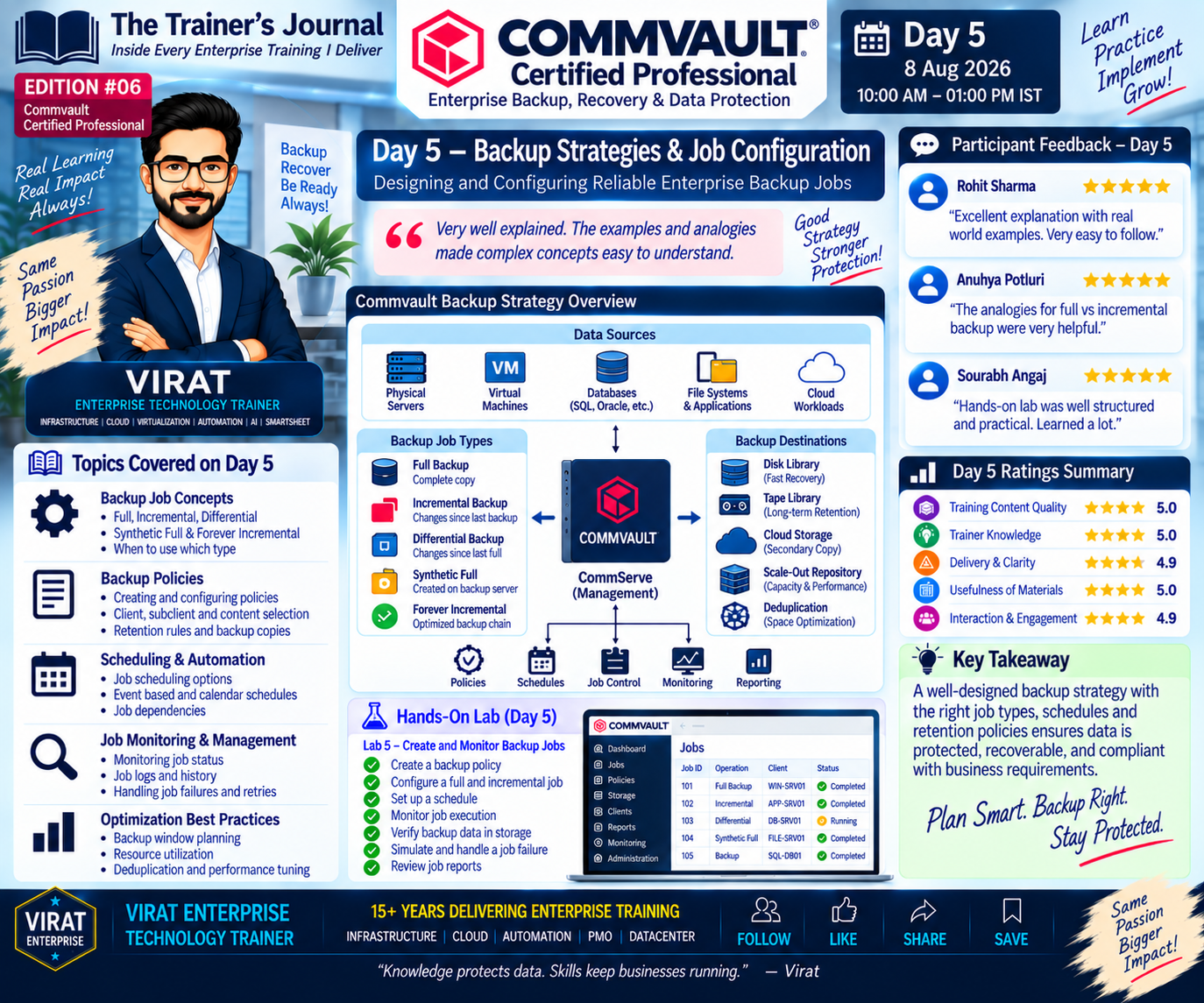
📘 Day 5 — Storage Management
The focus shifted toward designing and managing backup storage.
Participants explored:
💽 Disk Libraries
📼 Tape Libraries
⚙️ Drive configuration
📋 Storage Policies
📦 Secondary Copies
⏳ Retention and Aging
🧪 Hands-On Lab
Lab 5: Configure Storage Policies
Store → Copy → Retain → Age
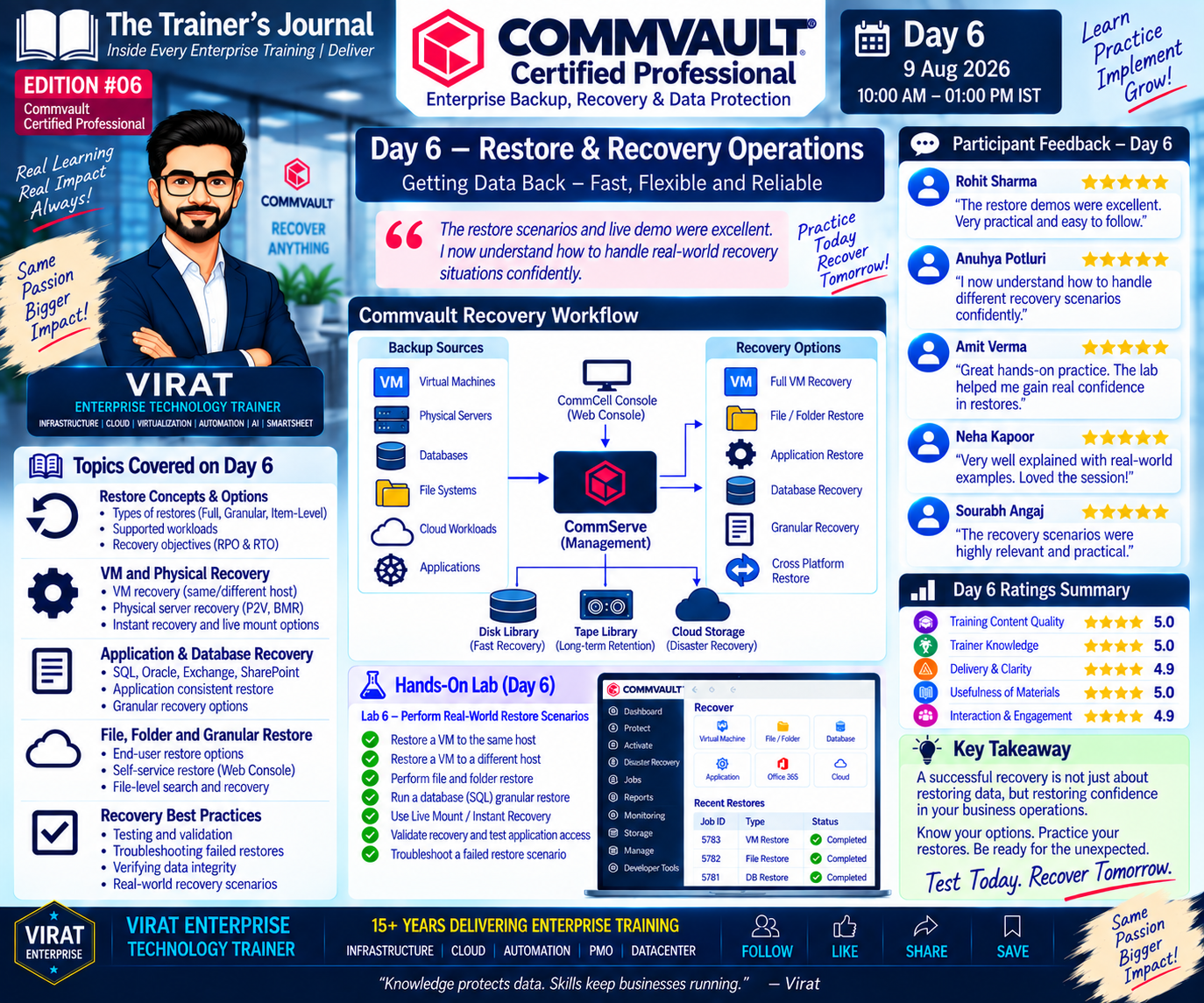
📘 Day 6 — Deduplication & Backup Configuration
The sixth day focused on deduplication and efficient backup data management.
Participants explored:
🔄 Global Deduplication
🗄️ Deduplication Database architecture
💻 Client-side Deduplication
🖥️ MediaAgent Deduplication
🛡️ DDB protection
🧪 Hands-On Lab
Lab 6: Configure Deduplication Database
Deduplicate → Optimize → Protect
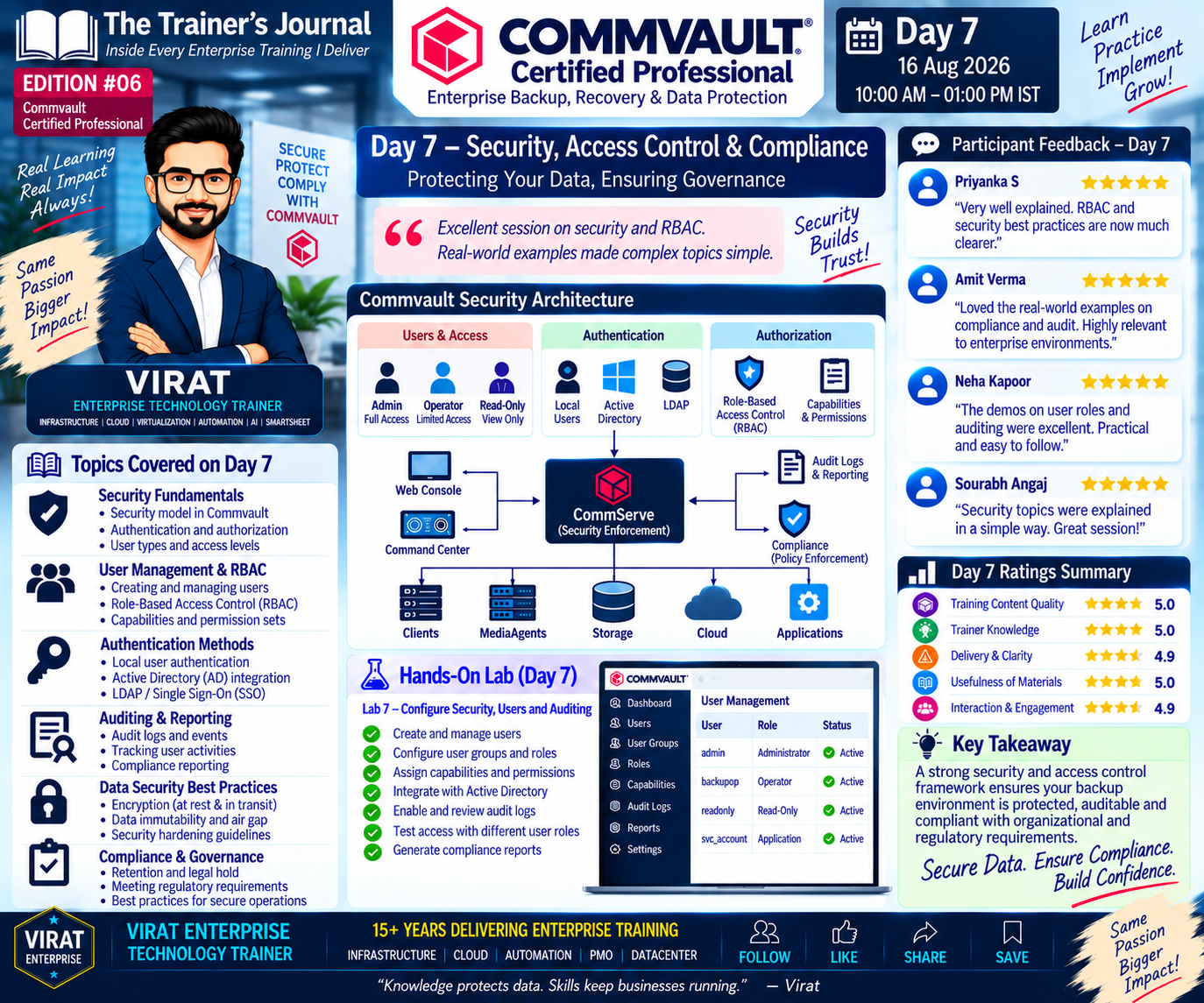
📘 Day 7 — Backup Types & Scheduling
The program then moved into backup strategy and scheduling.
Participants explored:
💾 Full Backups
➕ Incremental Backups
🔄 Differential Backups
⚙️ Synthetic Full
🚀 DASH Full
🕐 Scheduling
⏱️ Backup Windows
🧪 Hands-On Lab
Lab 7: Configure Backup Schedules
Protect → Schedule → Automate
📘 Day 8 — Windows & Linux Backup
Day 8 expanded protection across Windows and Linux environments.
Participants explored:
🪟 Windows File System iDataAgent
🛡️ System State
💻 Bare Metal Recovery
🐧 Linux/UNIX File System iDataAgent
📋 Linux Backup Policies
🔄 Restore Planning
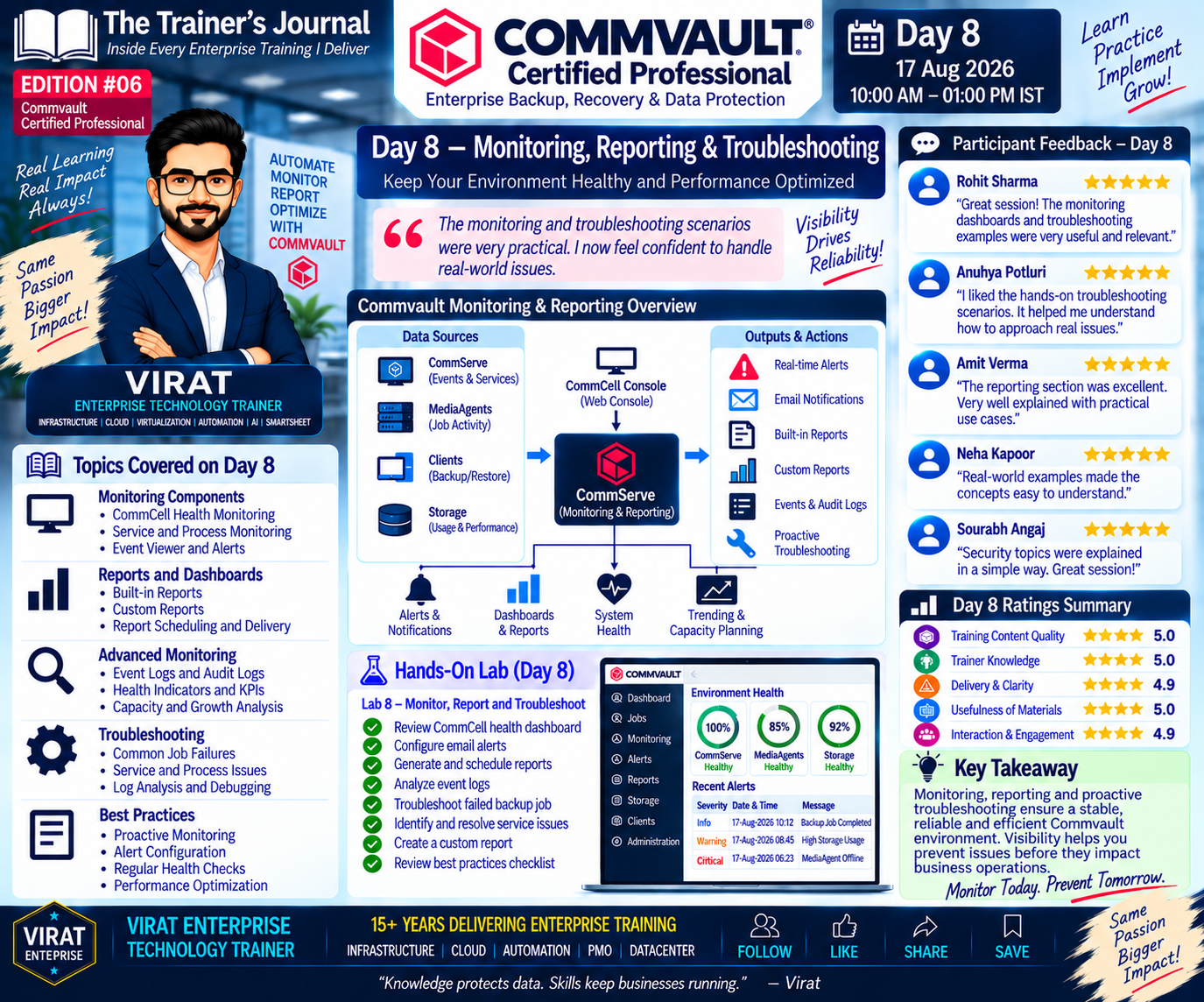
🧪 Hands-On Labs
Lab 8: Configure Windows Backup
Lab 9: Configure Linux Backup
Windows → Linux → Protect → Recover
📘 Day 9 — Backup Operations & VMware
The ninth day focused on operational backup management and VMware protection.
Participants explored:
🔄 Backup job lifecycle
📊 Job monitoring
✅ Backup validation
⭐ Operational best practices
☁️ VMware VSA architecture
🔍 Changed Block Tracking
🖥️ Proxy configuration
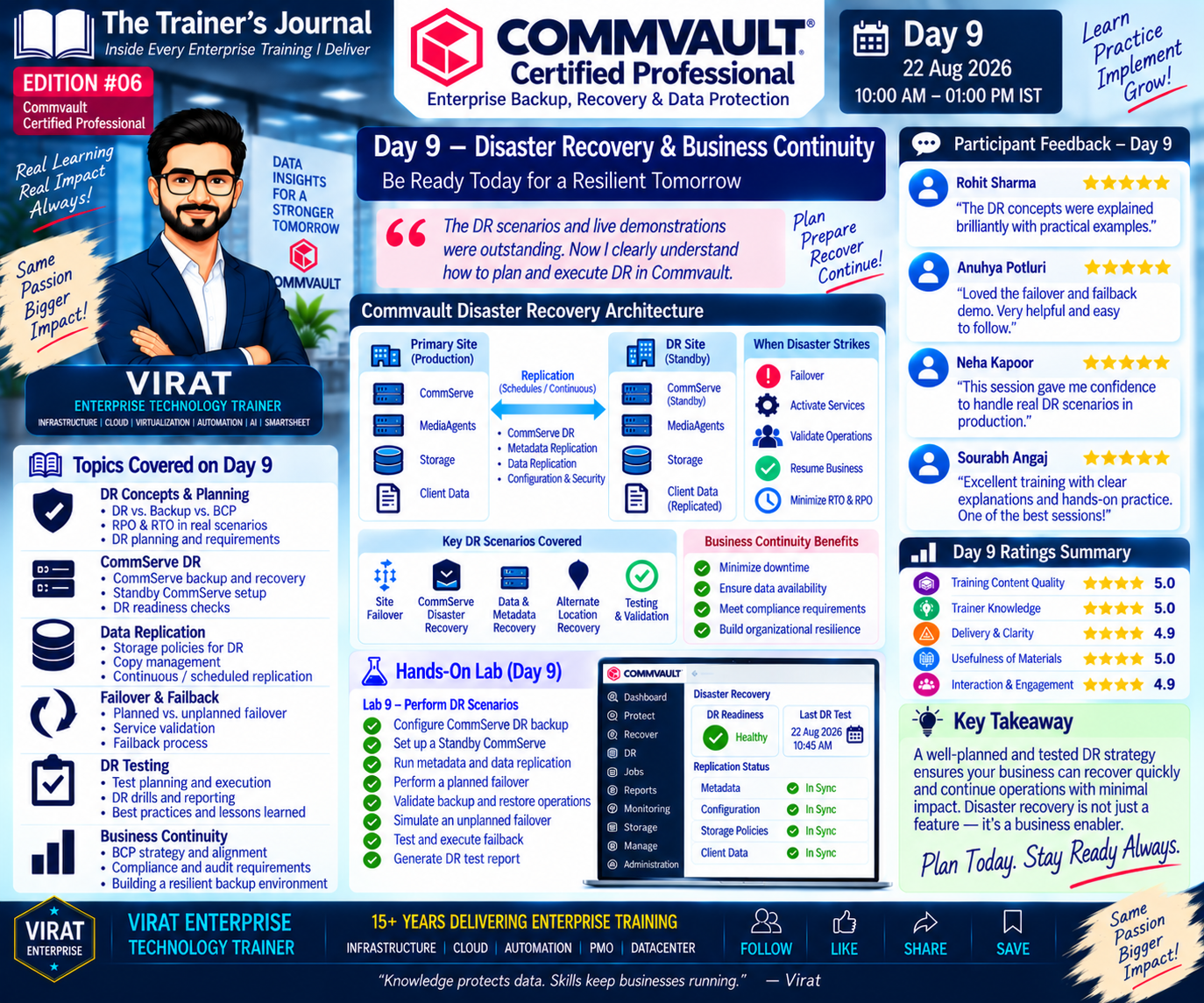
🧪 Hands-On Labs
Lab 10: Execute & Validate Backup Jobs
Lab 11: Configure VMware Backup
Execute → Monitor → Validate → Protect
📘 Day 10 — Hyper-V & Database Protection
The journey expanded into virtualization and database workloads.
Participants explored:
🖥️ Hyper-V protection architecture
💾 VM backup and recovery
🗄️ Microsoft SQL Server protection
🗃️ Oracle protection
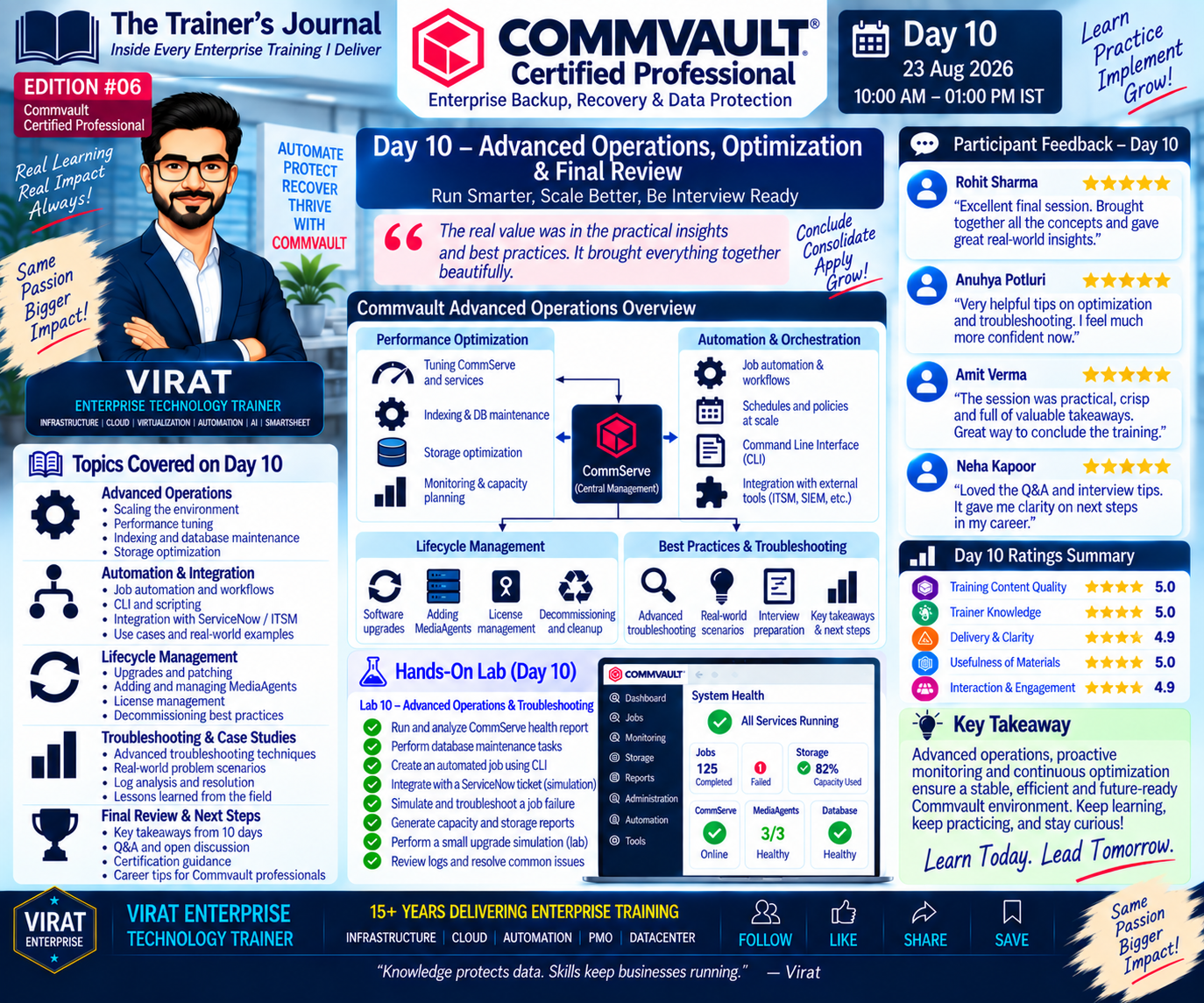
🧪 Hands-On Labs
Lab 12: Configure Hyper-V Backup
Lab 13: Configure SQL Server Backup
Virtualize → Protect → Recover
📘 Day 11 — Enterprise Applications & Restore
Day 11 focused on protecting critical enterprise applications and performing recovery operations.
Participants explored:
📧 Exchange protection
👥 Active Directory protection
💾 SAP HANA protection
🔄 Application recovery strategies
📁 File restore
💿 Image restore
🎯 Granular recovery
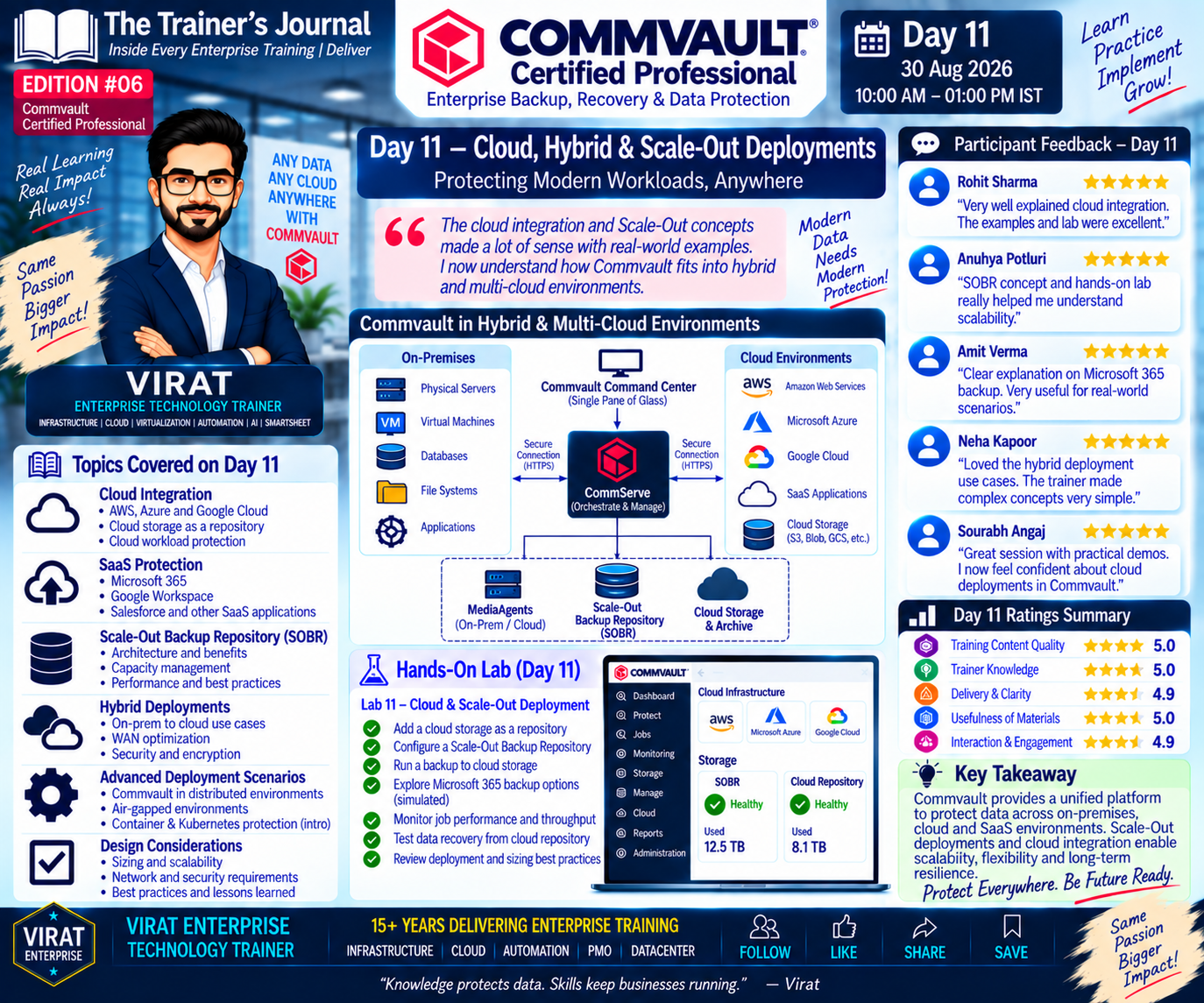
🧪 Hands-On Labs
Lab 14: Configure Application Backup
Lab 15: Perform Restore Operations
Protect Applications → Recover Data → Restore Services
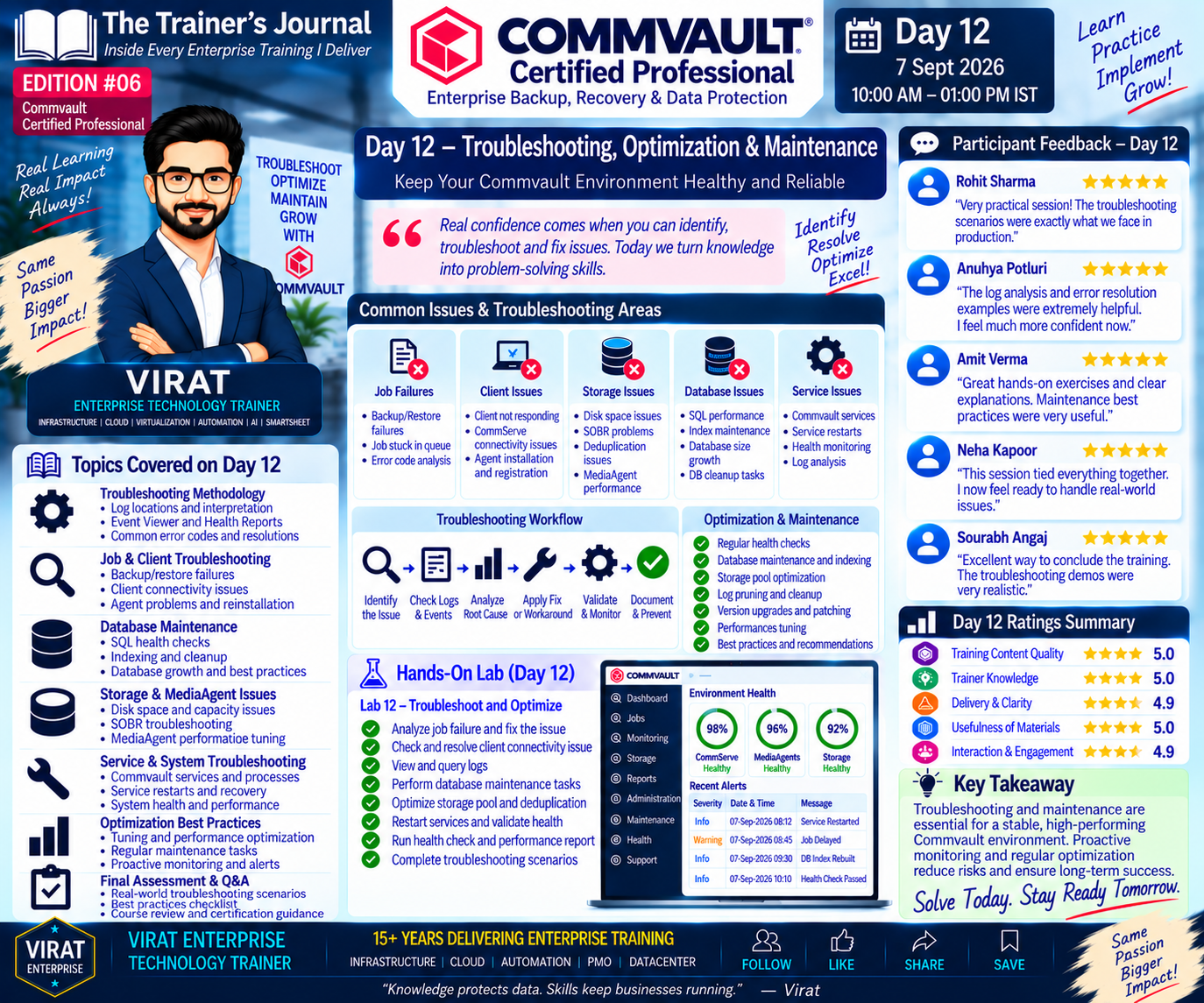
📘 Day 12 — Disaster Recovery & Security
Enterprise backup requires more than backup copies—it requires resilience and security.
Participants explored:
🔄 Auxiliary Copy
📦 MediaAgent Copy
🚨 CommServe Disaster Recovery
🔐 Encryption
👥 RBAC
🏢 Multi-Tenant Security
🛡️ Ransomware Protection
🧪 Hands-On Labs
Lab 16: Configure Disaster Recovery
Lab 17: Configure Security Policies
Replicate → Secure → Recover → Resilient
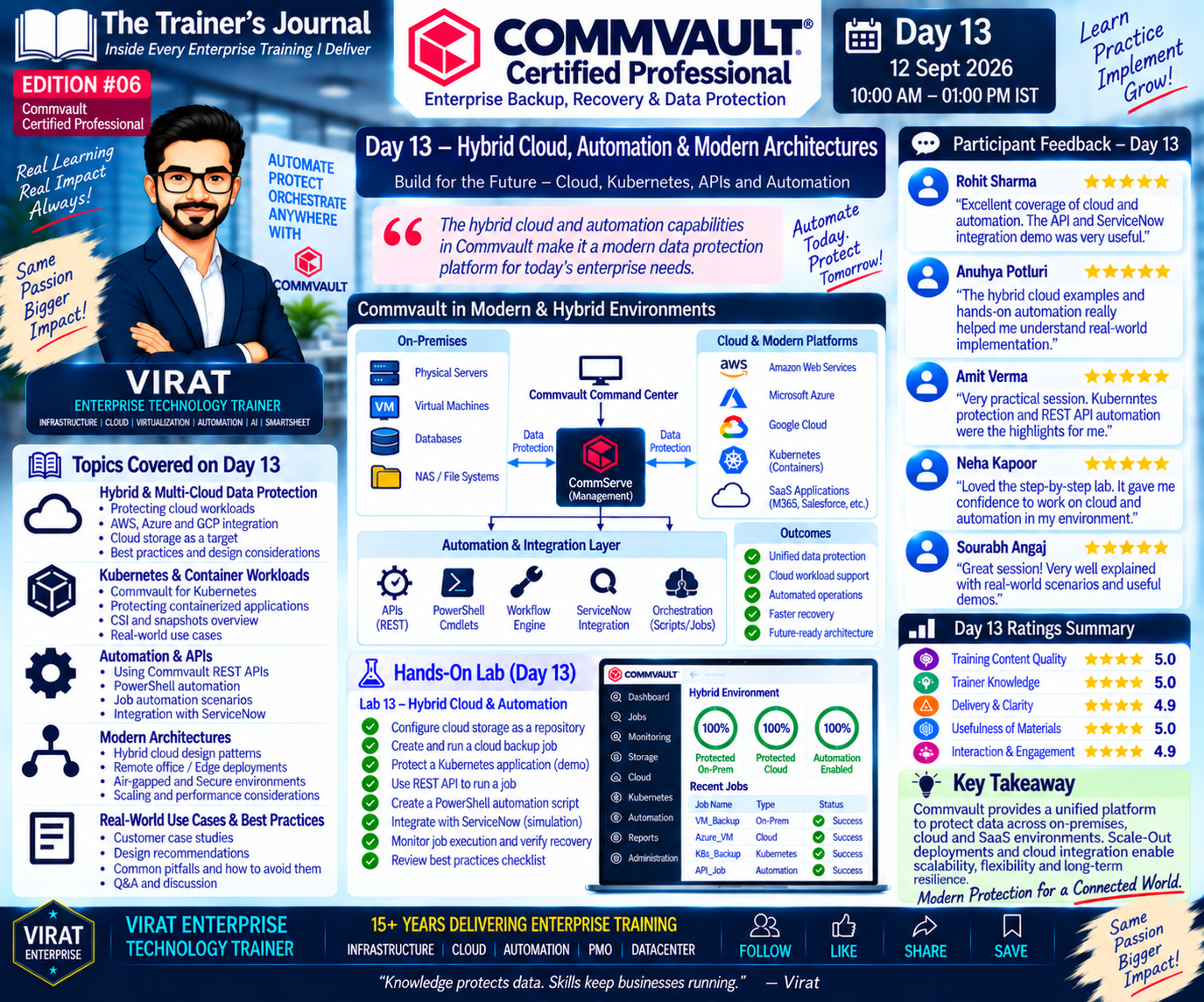
📘 Day 13 — Monitoring & Troubleshooting
The thirteenth day focused on operational visibility and troubleshooting.
Participants explored:
📊 CommCell Console
🔍 Job monitoring
🚨 Alerts
📈 Reports
💾 Capacity planning
🛠️ Backup and restore failures
🗄️ DDB issues
🖥️ MediaAgent problems
📋 Log analysis
🧪 Hands-On Labs
Lab 18: Configure Monitoring & Reporting
Lab 19: Troubleshoot Backup Environment
Monitor → Detect → Diagnose → Resolve
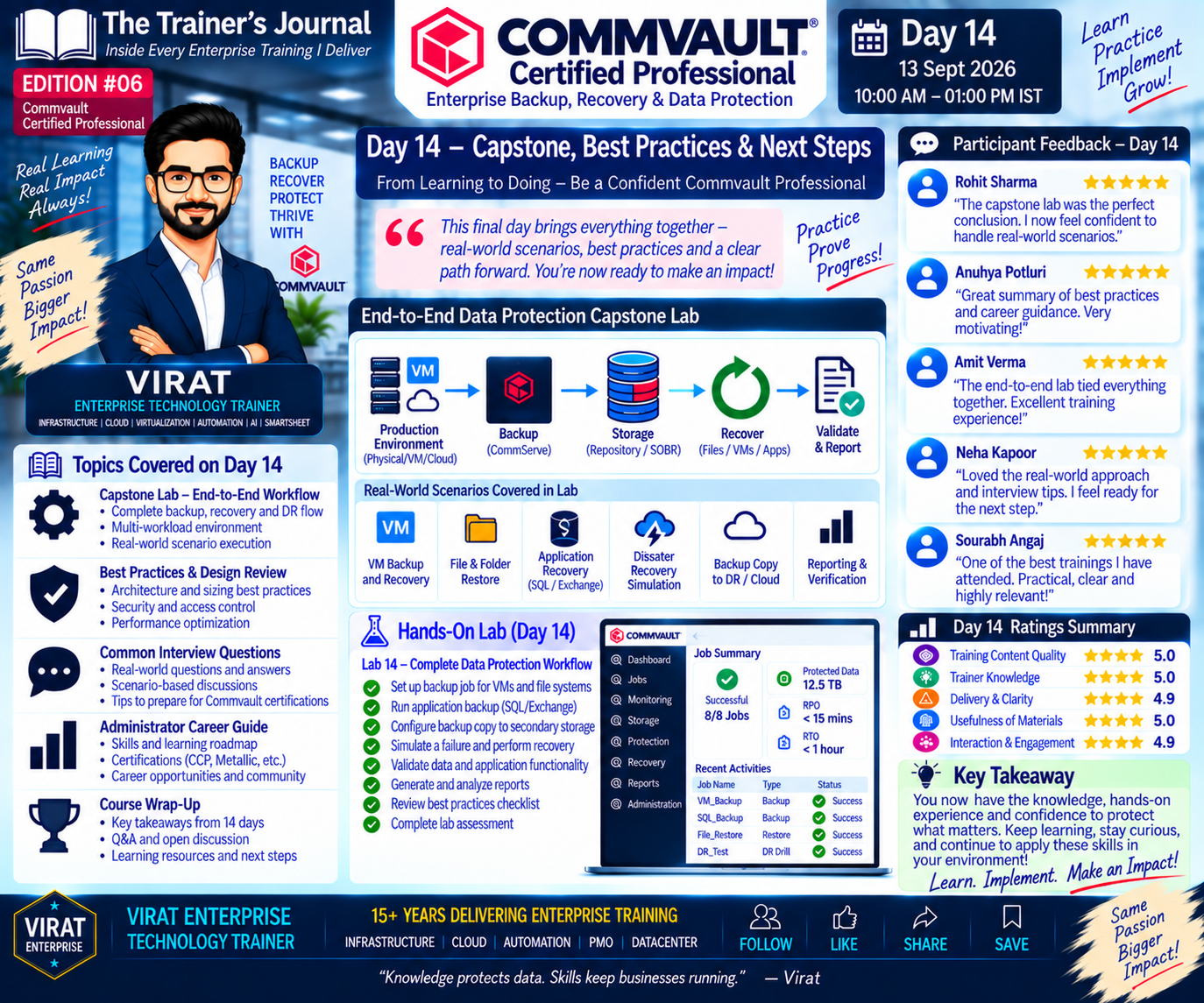
📘 Day 14 — Upgrade, Maintenance & Course Wrap-Up
The final training day brought together lifecycle management, maintenance, health checks, and operational readiness.
Participants explored:
⬆️ LTS releases
🔄 Upgrade planning
🩹 Patch management
❤️ Health checks
⭐ Best practices
💬 Course review
❓ Q&A
🎯 Mock scenario discussion
🧪 Final Lab
Lab 20: Perform Upgrade & Health Check
Maintain → Validate → Optimize → Prepare
🧪 20 Labs. One Connected Data Protection Journey.
The labs were designed as a progressive enterprise backup learning journey:
🧱 Build the Foundation
Environment → Architecture → Deployment → Installation
💾 Build the Protection Layer
Storage Policies → Deduplication → Scheduling
🖥️ Protect Infrastructure
Windows → Linux → VMware → Hyper-V
🗄️ Protect Enterprise Applications
SQL Server → Oracle → Exchange → Active Directory → SAP HANA
🛡️ Build Resilience
Restore → Disaster Recovery → Security → Ransomware Protection
🔍 Operate & Maintain
Monitoring → Troubleshooting → Upgrade → Health Check
The overall journey:
Understand → Design → Deploy → Protect → Monitor → Recover → Secure → Troubleshoot → Maintain
🎯 Key Outcomes
By the end of the program, participants were able to:
✅ Understand Commvault Traditional Backup architecture and core components
✅ Navigate and operate the Commvault environment
✅ Understand CommServe, MediaAgent, Clients and iDataAgents
✅ Plan Commvault deployments and infrastructure requirements
✅ Configure storage libraries and Storage Policies
✅ Understand retention, secondary copies and aging
✅ Configure and manage Deduplication Database environments
✅ Configure backup schedules and backup windows
✅ Protect Windows and Linux file systems
✅ Configure VMware and Hyper-V backup
✅ Understand database protection for SQL Server and Oracle
✅ Protect enterprise applications including Exchange, Active Directory and SAP HANA
✅ Perform file, image and granular recovery operations
✅ Configure disaster recovery workflows
✅ Apply encryption, RBAC and security policies
✅ Understand ransomware protection concepts
✅ Monitor backup operations and capacity
✅ Troubleshoot backup, restore, DDB and MediaAgent issues
✅ Perform platform upgrade and health-check activities
💬 What Participants Valued
Feedback collected throughout the program consistently highlighted the value of clear explanations, practical learning, technical depth, and structured delivery.
Participants particularly appreciated:
⭐ Clear teaching and explanations
🧠 Deep technical learning
💡 Practical demonstrations
🧪 Lab components
📚 Well-structured sessions
🗣️ Hindi + English explanations
💾 Backup and recovery concepts
☁️ VMware backup concepts
🗄️ Application and database protection
Some participant feedback included:
"Nice teaching."
"Learned new concepts and easy to understand."
"Real knowledge sharing of Commvault."
"Technically learned new topics and enhanced my knowledge in backup and recovery technologies."
"Deeply teaching all."
"Nice teaching deeply understanding."
"Better understanding of all things."
"Deep explanation."
"Hindi + English teaching very nicely explaining."
"The sessions were well-structured, interactive, and helped me grasp the concepts quickly."
"Deep learning."
"Clear all things."
"Learned about upgrading and troubleshooting issues on backup failures of different backups."
The recurring theme was clear: participants valued the combination of technical depth + clear explanation + practical learning throughout the program.
💡 The Key Takeaway
Enterprise backup administration is not simply about scheduling a backup job.
A strong backup administrator needs to understand the complete protection lifecycle:
Architecture → Storage → Backup → Deduplication → Applications → Recovery → DR → Security → Monitoring → Troubleshooting → Maintenance
That was the central theme throughout this Commvault training journey.
The goal was not just to understand how to take a backup, but to understand how an enterprise backup environment is designed, operated, secured, monitored, recovered, and maintained. 🛡️
📖 Another Chapter in The Trainer’s Journal
14 Training Days.
20 Hands-On Labs.
Weekend Learning Journey.
One Enterprise Data Protection Story.
From understanding the first Commvault components to working through VMware, Windows, Linux, databases, enterprise applications, disaster recovery, security, troubleshooting, and upgrades, this training journey connected the different pieces of enterprise backup administration into one operational framework.
Every completed training becomes another chapter in The Trainer’s Journal. 📚
🔗 Explore the Training Journey
Commvault Traditional Backup Administration
Enterprise Backup, Recovery & Data Protection using Commvault
📖 The Trainer’s Journal
Inside Every Enterprise Training I Deliver
Edition #06 | Commvault Traditional Backup Administration
#TheTrainersJournal #Commvault #Backup #DataProtection #BackupAdministration #DisasterRecovery #VMware #SQLServer #SAPHANA #EnterpriseBackup #CorporateTraining #CoachVirat
About the author
- Enterprise Infrastructure Consultant and Corporate Trainer with 12+ years of experience delivering hands-on training across VMware, Cloud, Linux, Kubernetes, Automation, Datacenter Technologies, Hyperconverged Infrastructure and AI Edge Computing. Passionate about helping professionals bridge the gap between theory and real-world enterprise implementations through practical labs, industry use cases and certification-focused learning.
Comments
Join the discussionNo comments yet. Be the first to comment.